vflow2 — Project Overview
What is vflow2?
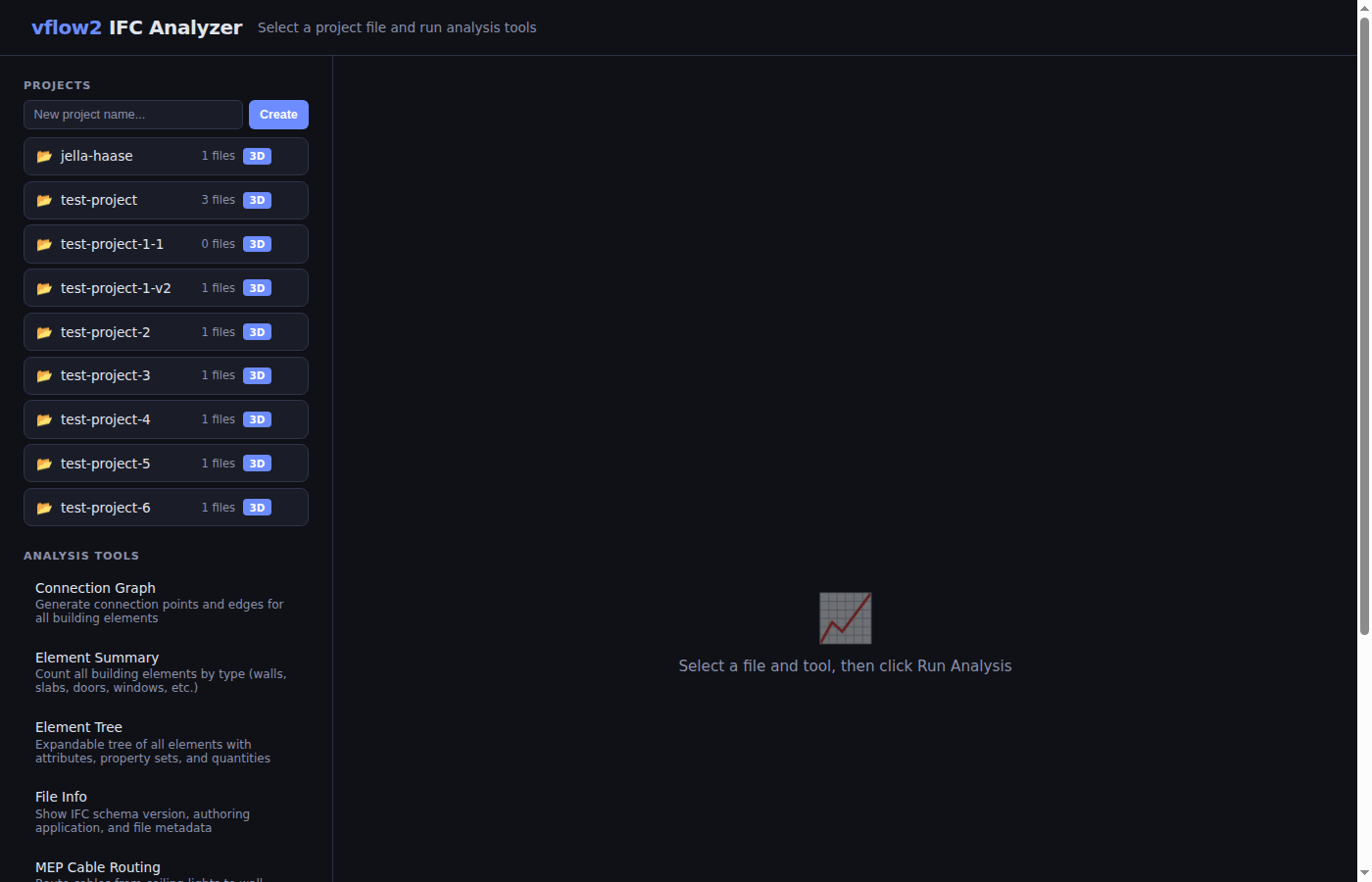
vflow2 is a Python-based toolset for analyzing IFC (Industry Foundation Classes) building models. It provides a web interface for uploading IFC files, running analysis tools, and visualizing buildings in 3D and 2D with interactive overlays.
Architecture
vflow2/
├── app.py                    # Flask web server + API endpoints
├── templates/
│   ├── index.html            # Main analysis page (upload, tools, results)
│   └── viewer.html           # 3D/2D viewer (Three.js + web-ifc)
├── tools/
│   ├── element_summary.py    # Analysis tool: element counts
│   ├── element_tree.py       # Analysis tool: full element hierarchy
│   ├── file_info.py          # Analysis tool: file metadata
│   ├── spatial_structure.py  # Analysis tool: spatial hierarchy
│   ├── structure_check.py    # Analysis tool: verify required entities
│   ├── property_report.py    # Analysis tool: data completeness audit
│   ├── connection_graph.py   # Analysis tool: connection point graph
│   ├── mep_routing.py        # Analysis tool: cable routing
│   ├── _connection_graph.py  # Library: graph engine (private, not a tool)
│   ├── _mep_utils.py         # Library: geometry extraction
│   ├── _spatial_graph.py     # Library: waypoint graph + A* pathfinding
│   ├── _wall_zones.py        # Library: DIN 18015-3 zone computation
│   ├── _ceiling_zones.py     # Library: ceiling zone computation (per IfcSpace)
│   ├── _logger.py            # Library: structured phase-based JSON logging
│   ├── _jobs.py              # Library: background job runner with thread-safe state
│   └── _roombook.py          # Library: IfcSpace roombook + persistent manual overrides
├── static/
│   ├── web-ifc-api-iife.js   # web-ifc JavaScript library (local)
│   └── web-ifc.wasm          # web-ifc WebAssembly binary (local)
├── uploads/                  # Uploaded IFC files + cached JSON results
├── documentation/            # This documentation
└── pyproject.toml            # Dependencies (ifcopenshell, flask, networkx, scipy)
How it works
- Upload an IFC file via the web interface
- Analyze using pluggable tools that extract data from the IFC model
- View in the 3D viewer with interactive overlays (graph, routes, zones)
Tech Stack
| Component | Technology | Purpose |
|---|---|---|
| Backend | Python 3.12 + Flask | Web server, IFC processing |
| IFC parsing | ifcopenshell 0.8.4 | Read IFC geometry and properties |
| Graph/pathfinding | networkx 3.6 + scipy 1.17 | Connection graph, A* routing |
| 3D rendering | Three.js 0.169.0 | WebGL 3D/2D viewer |
| IFC in browser | web-ifc 0.0.66 | Parse IFC geometry client-side |
| Package manager | uv | Python dependency management |
Running
uv run python app.py # starts on http://localhost:5000
Tool Plugin System
Each analysis tool is a standalone Python file in tools/ following a simple convention:
TOOL_NAME = "My Tool"           # Display name in the UI
TOOL_DESCRIPTION = "Does X"     # One-line description
def run(ifc_path) -> dict:      # Receives path to .ifc file
    return {
        "title": "...",
        "summary": "...",
        "columns": ["A", "B"],
        "rows": [["val1", "val2"]],
    }
Files starting with _ are private libraries (not shown as tools in the UI).
The web app auto-discovers all non-private .py files in tools/.